
Fake incoming calls.
On your real call screen.
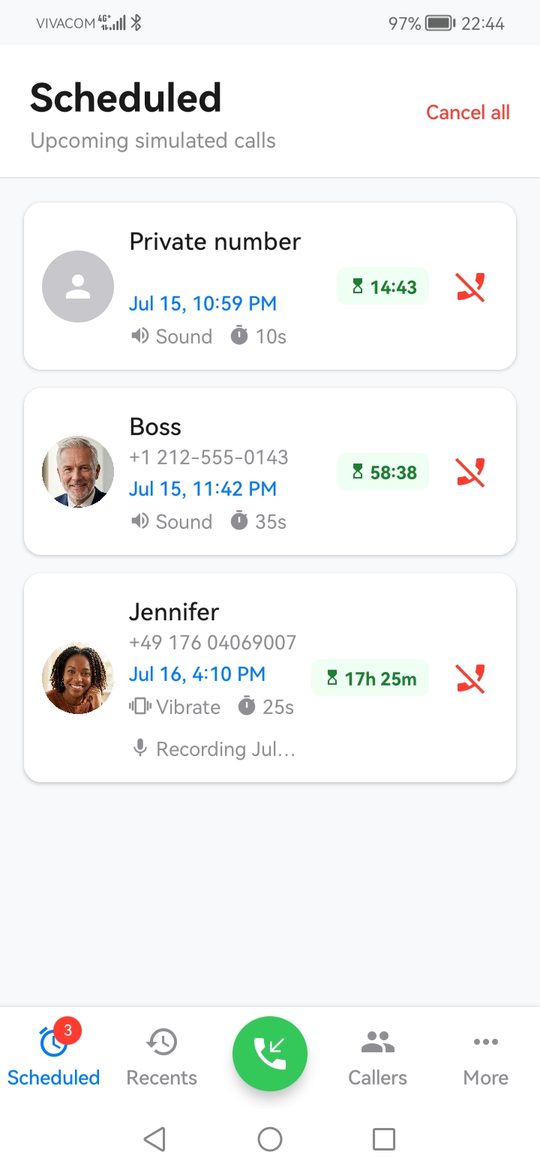
Schedule a realistic call to get out of any situation: a meeting that won't end, an awkward date, a party you'd rather leave. Your phone rings, your real call screen appears, and nobody can tell the difference.
Free to use. One-time purchase for the full version, no subscription. No ads, no analytics, no account.
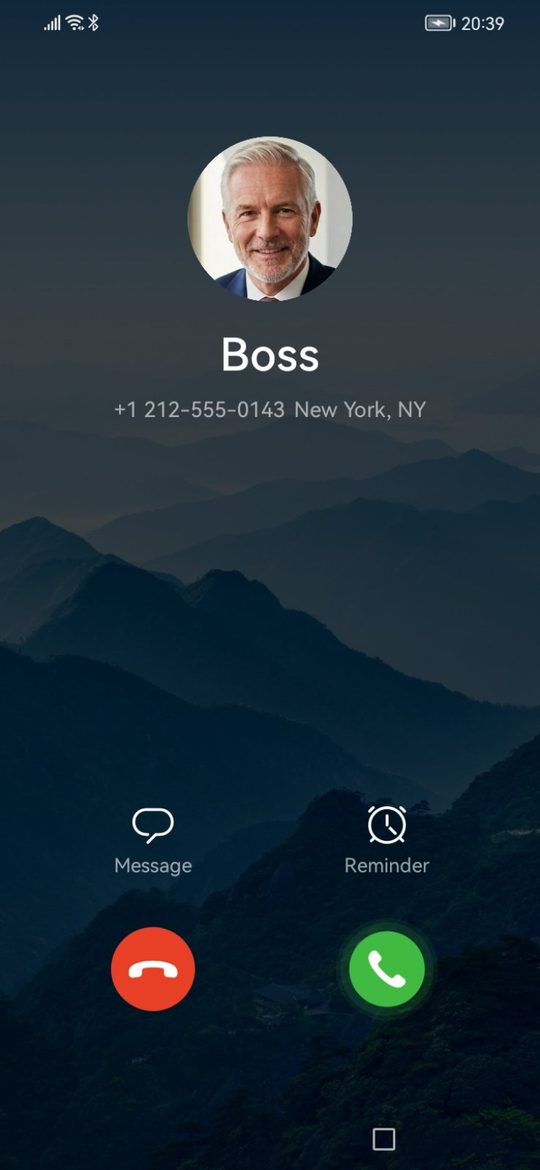
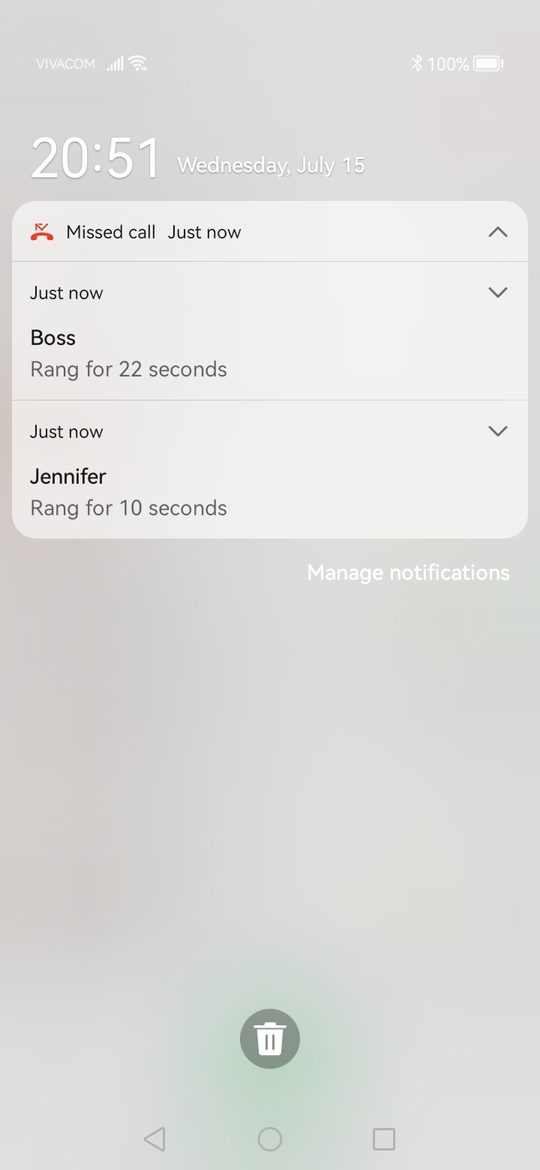
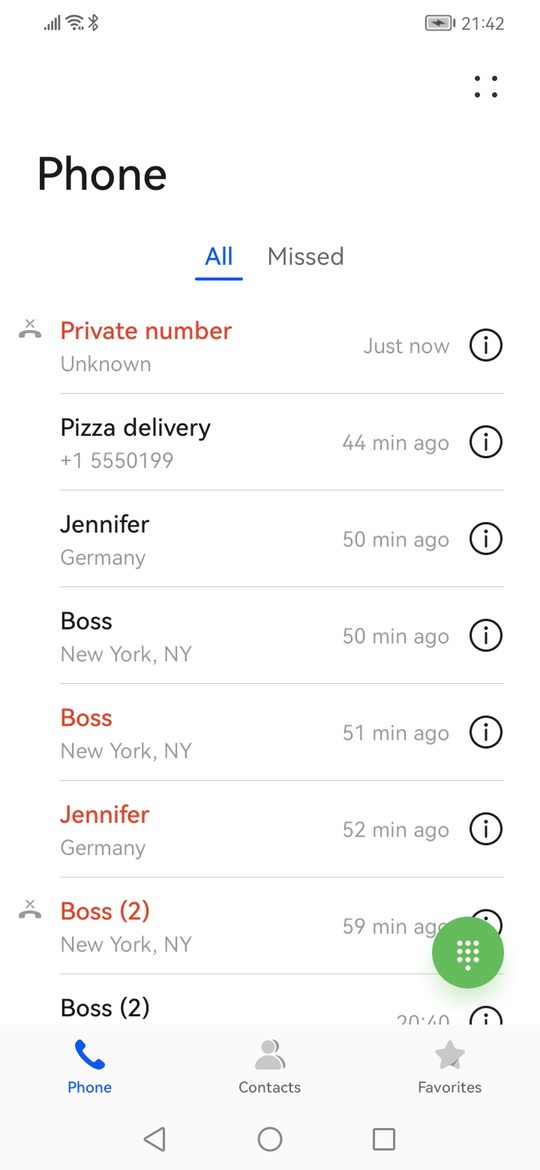
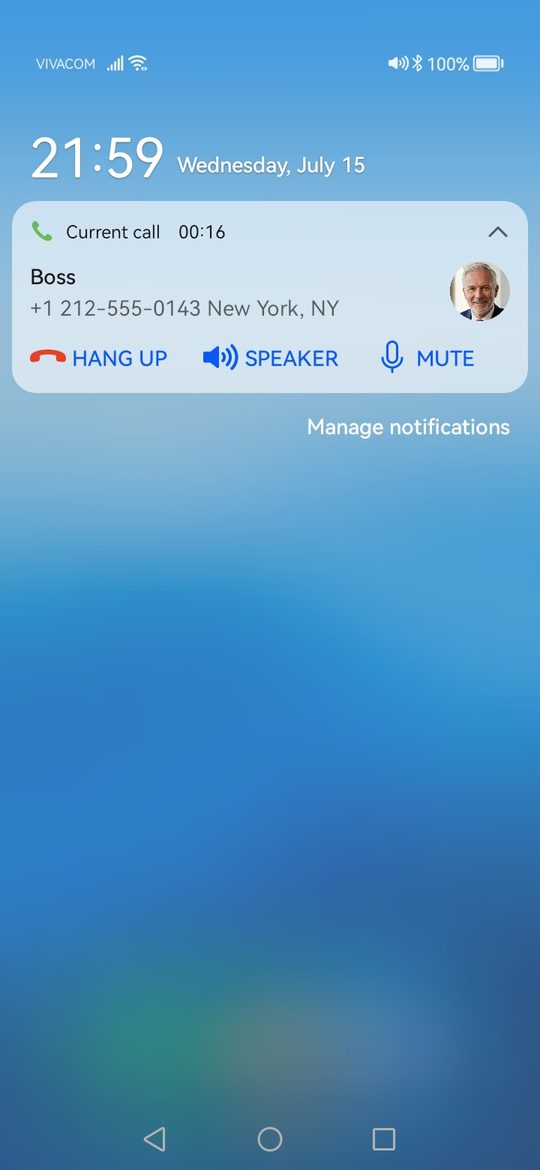
Not a lookalike screen. The real thing.
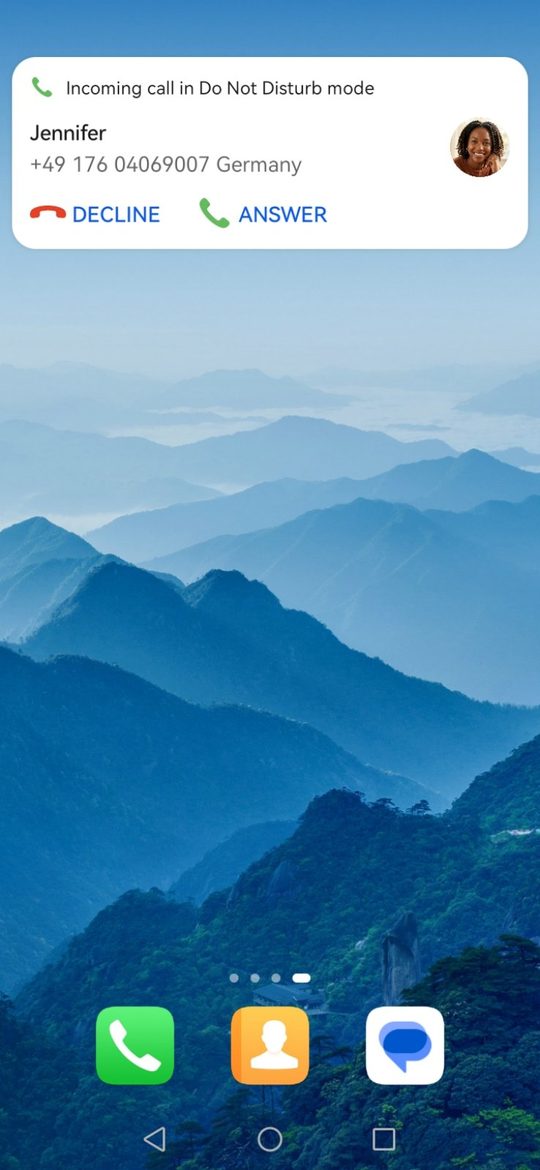
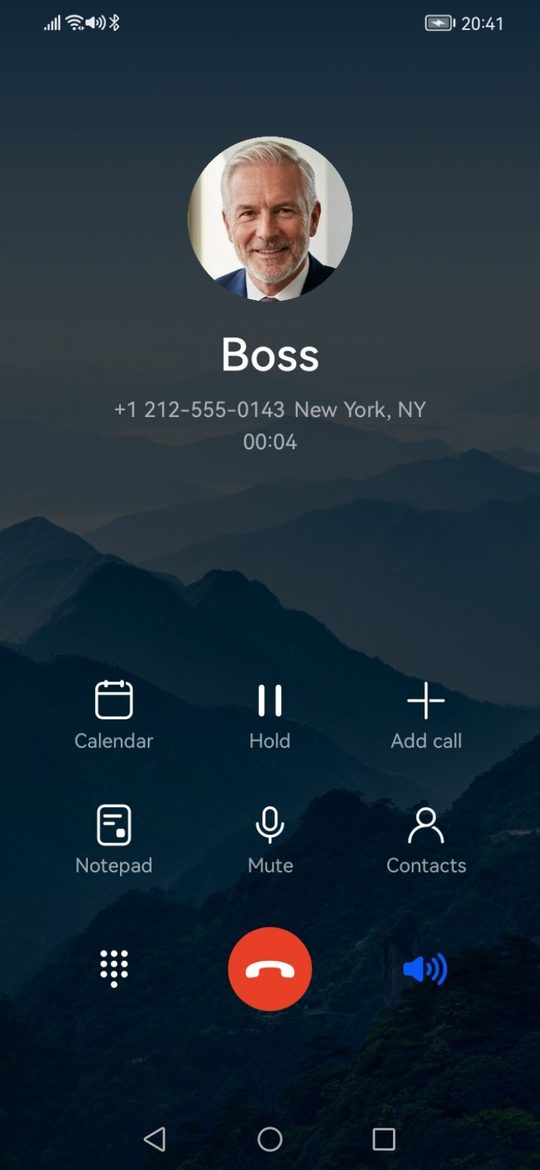
Self Call registers as a calling account on your phone, so Android itself shows the incoming call. Everything downstream is genuine too.
- Your phone's real call screen, with your ringtone, or the ringtone assigned to that contact.
- A real entry in your call log for every simulated call.
- Missed-call notifications when you let it ring out, exactly like a real missed call.
- Ongoing-call notification while you are "on the call", visible in the notification panel.
- Do Not Disturb respected. With DND on, the call arrives silently as a standard notification.
- Trigger it without touching the screen: press the power button three times and a prepared call rings after your chosen delay.
Trigger it without opening the app
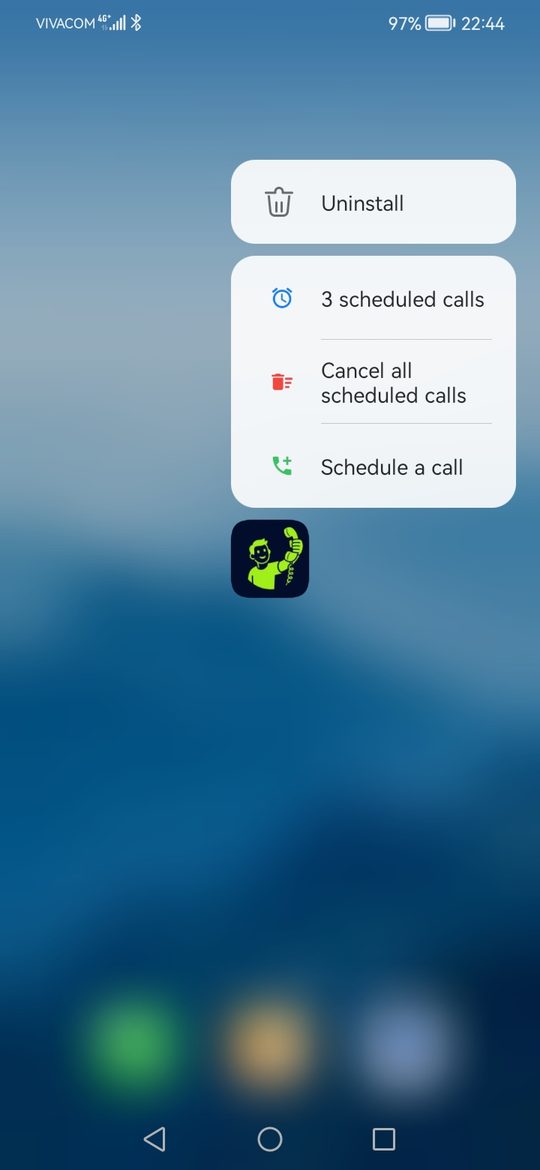
Some exits can't wait for you to unlock the phone and tap around. Prepare the call once, arm the Quick Settings tile, and when the moment comes press the power button three times. The call rings after the delay you chose, with the phone already back in your pocket.
Prepare
Pick the caller, the audio message, the ring mode and the delay.
Arm
Tap the "Prepared call" tile in Quick Settings. It stays armed until you disarm it.
Trigger
Press the power button three times quickly. A short vibration confirms it. The call rings after your delay.
Free to use. Pay once for everything.
The free version has everything you need for a quick rescue call. A single one-time purchase unlocks the rest, forever, on every device using your Google account. No subscription.
Free
- Unlimited instant calls
- Quick scheduling up to 2 minutes ahead
- Up to 2 upcoming calls at a time
- Up to 6 caller profiles, or pick from your contacts
- Record an audio message
- Prepared call with the power-button gesture
Full version one-time purchase
- Exact date and time scheduling
- Quick intervals of 5 minutes and longer, fully customizable
- As many queued calls as you need
- Unlimited caller profiles
- Attach any audio file
- Vibrate and silent ring modes, custom ring duration
Common questions
Does Self Call place a real phone call?
No. The call is simulated locally through Android's calling framework. Nothing touches your SIM card, carrier or billing, and no network is needed. It even works in Airplane mode.
Does it work when the app is closed or the phone is locked?
Yes. Scheduled calls are armed as system alarms and ring at the chosen time whether the app is open or not. On phones with aggressive battery managers (Huawei, Xiaomi, vivo, Samsung, TECNO, OPPO and others) one extra setting is needed; the app guides you through it and the battery settings tutorial covers it.
Why does the app ask me to enable a "calling account"?
Android only shows its genuine incoming-call screen for registered calling accounts. Switching Self Call on as a calling account is the one setup step the app cannot work without. Never pick it under "Make calls with", because it cannot make real calls. See first-time setup.
Why doesn't my caller's photo appear on the call screen?
Android draws the incoming-call screen and looks the number up in your device contacts for the photo. A photo appears only when that caller is saved as a contact with a picture and the same number. Details.
Is there an iPhone version?
No. iOS does not let apps show the system incoming-call screen for a simulated call, so Self Call is Android only (Android 7.0 and newer).
Is the full version a subscription?
No. It is a single one-time purchase through Google Play, tied to your Google account, so it carries over to your next phone.
Ready for your next exit?
Install Self Call, switch on its calling account, and ring your first test call in under a minute.